The dream is working from bed. The reality is never leaving it.
Many people think remote work is easy. You open a laptop and start. But then the lines blur. Your living room becomes your office. You answer emails at dinner. You feel busy but get nothing done.
This is the “always on” trap.
Without a plan, remote work challenges lead to burnout. You need a real strategy. This is not just about a desk setup. It is about your mindset.
Here is your roadmap to master how to work from home.
1. Build a “Command Center” (Not Just a Desk)
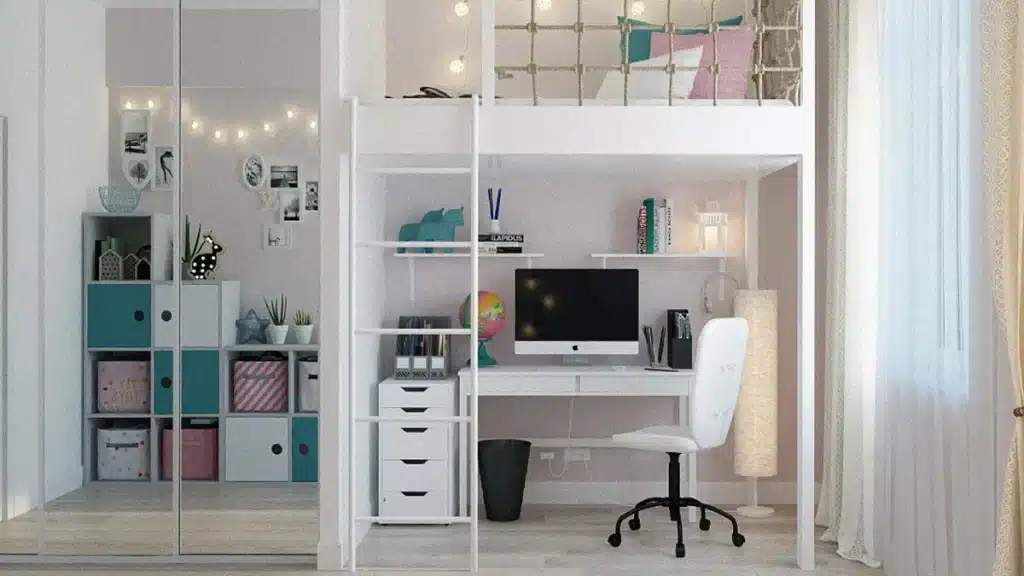
Do not work from your couch because your back will hurt and your focus will suffer. You need a dedicated spot that tells your brain it is time to work. In 2026, a single laptop screen is not enough for most jobs. You need a setup that protects your body and helps you see your work clearly.
- Check your height: Your eyes should hit the top third of the monitor to prevent tech neck.
- Upgrade your screen: Use dual monitors or an ultrawide screen to boost productivity.
- Fix your lighting: Face a window or use a ring light so you do not look like a shadow on video calls.
- Consider standing: Brands like Uplift report that standing desks can reduce back pain by 50%.
The Ergonomic Setup
-
Check Your Height
Your eyes should hit the top third of the monitor to effectively prevent tech neck.
-
Upgrade Your Screen
Use dual monitors or an ultrawide screen to significantly boost multitasking productivity.
-
Fix Your Lighting
Face a window or use a ring light so you do not look like a shadow on video calls.
-
Consider Standing
Brands like Uplift report that standing desks can reduce back pain by 50%.
2. Master the “Fake Commute” Ritual

You used to drive to work, and that drive separated your home life from your office life. Now you wake up and start working immediately, which causes you to miss that mental transition. You must build a “fake commute” to signal the start of the day and protect your work from home routine.
- Walk outside: Take a 15-minute walk around the block before you log in.
- Use audio cues: Listen to a specific podcast or playlist that is only for your “commute.”
- Change your clothes: Do not work in pajamas; dress like you are going to a casual office.
- Get coffee first: Make your coffee and sit for five minutes before opening your laptop.
3. Use the 90-Minute Focus Block Method

Stop trying to work for eight hours straight because no one actually stays focused that long. Your brain works in cycles called Ultradian rhythms, giving you about 90 minutes of high energy before you need a break. Gallup data from 2026 shows hybrid workers are productive but risk burnout if they ignore these natural pauses.
- Set a timer: Work hard for 90 minutes, then stop immediately when the timer rings.
- Take real breaks: Step away from the screen for 20 minutes to reset your brain.
- Block distractions: Turn off email and phone notifications during your focus blocks.
- Move your body: Stretch or walk during your break to keep your energy up.
4. Over-Communicate (The “Work Out Loud” Rule)
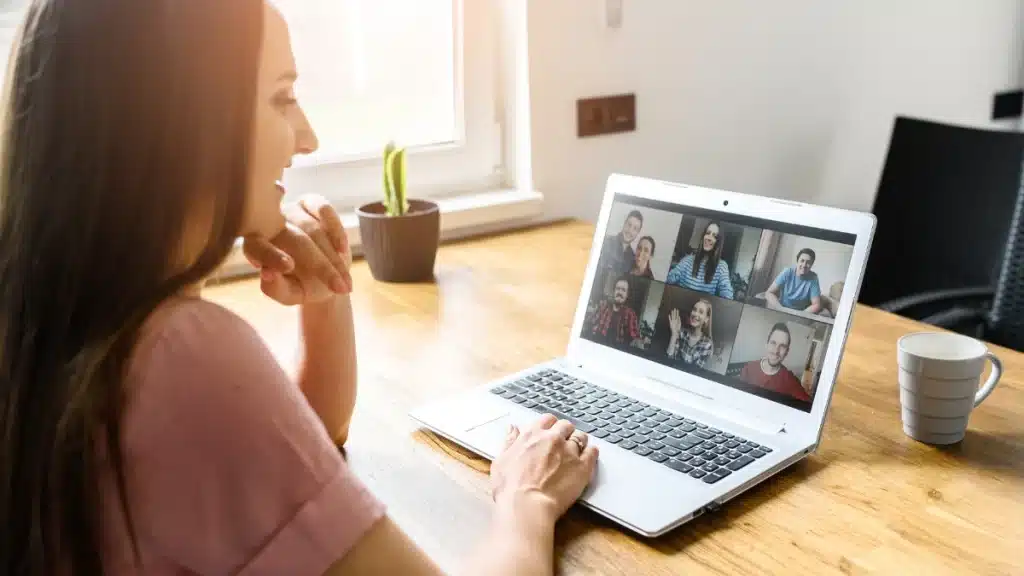
In an office, people see you working, but at home, you are invisible to your team. You must show your work by posting updates and confirming tasks constantly. This builds trust and stops your boss from worrying about what you are doing all day.
- Post updates: Tell your team on Slack or Teams what you are working on every morning.
- Confirm receipt: Reply to messages fast, even with a simple “thumbs up” emoji.
- Share wins: When you finish a task, let the team know immediately.
- Be clear: Use remote communication tips to explain exactly when you will be finished.
5. Embrace Asynchronous Communication

You do not need a meeting for every question, and “Zoom fatigue” destroys productivity. Smart teams in 2026 use asynchronous tools, meaning you send a message now and they read it later. This respects everyone’s time and helps colleagues who live in different time zones.
- Record videos: Use tools like Loom to explain complex ideas instead of typing long emails.
- Send voice notes: Use voice messages for quick updates that need tone and nuance.
- Wait for replies: Do not expect an instant answer; give people time to think.
- Cancel meetings: If an update takes less than 10 minutes, send a message instead of calling.
6. Set Hard Digital Boundaries
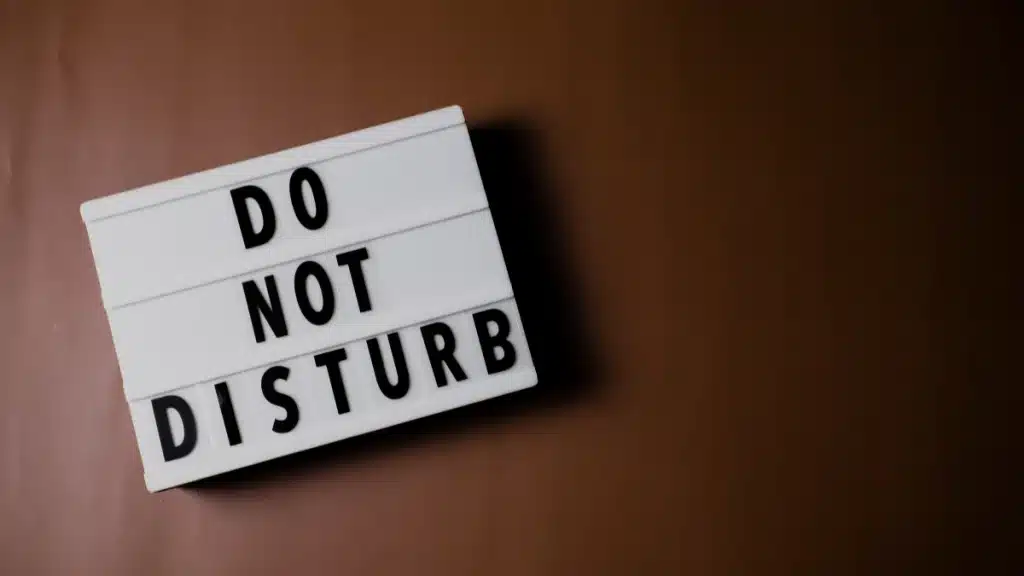
You have a “Right to Disconnect,” but you have to enforce it yourself. If your phone buzzes at 8 PM, you will check it, and then you are working again. You need strict work-life balance rules to keep your relaxation time safe from work stress.
- Snooze notifications: Use the “Do Not Disturb” feature on work apps every evening.
- Separate devices: Keep work apps off your personal phone if possible.
- Set expectations: Tell your team exactly when you sign off for the day.
- Hide the laptop: Put your computer in a drawer or close the office door when you are done.
Digital Boundaries
-
Snooze Notifications
Use “Do Not Disturb” every evening to silence work apps and reclaim your mental space.
-
Separate Devices
Keep work apps off your personal phone if possible to create a physical barrier.
-
Set Expectations
Tell your team exactly when you sign off to normalize boundaries and prevent late messages.
-
Hide the Laptop
Put your computer in a drawer or close the door to physically signal the end of the workday.
7. Prioritize High-Fidelity Audio

“Can you hear me?” is the question that kills your professional credibility. If your audio echoes or cuts out, you sound unprepared and unprofessional. Laptop microphones are usually terrible, so you must invest in better gear to command respect.
- Buy headphones: Use noise-canceling headphones like the Sony WH series to block background noise.
- Get a mic: A dedicated USB microphone makes your voice sound clear and confident.
- Test often: Check your audio settings five minutes before every important call.
- Control the room: Close windows and turn off fans to reduce background hum.
8. Create a “Do Not Disturb” Signal
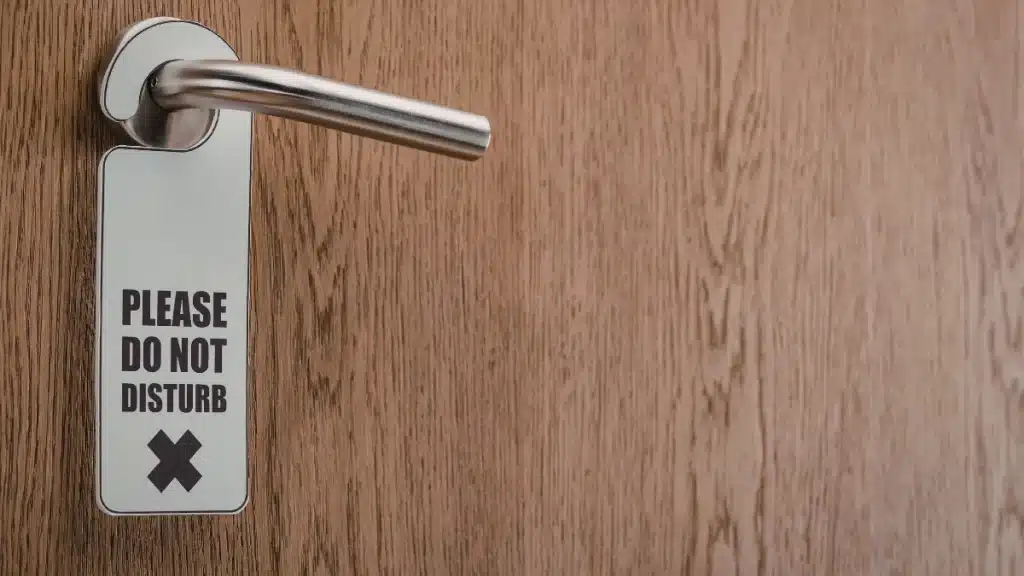
Family members and roommates often think that because you are home, you are free to talk. You need a physical signal that tells them you are in “deep work” mode without saying a word. This prevents interruptions and keeps your focus sharp.
- Use the door: If the door is closed, nobody enters without knocking.
- Wear headphones: Make a rule that headphones on means “I am busy.”
- Share calendars: Give your household access to your schedule so they know when you have meetings.
- Be consistent: Do not break your own rules, or your family will ignore them too.
9. Eat Real Food (Avoid the Snacking Trap)

It is easy to graze on chips all day or skip lunch entirely until you crash at 3 PM. This ruins your energy and leads to the “Sad Desk Salad” habit. You must treat food as fuel and step away from your workspace to eat.
- Meal prep: Make your lunch the night before so you do not grab junk food.
- Leave the desk: Eat in the kitchen or outside to give your eyes a break.
- Drink water: Keep a large water bottle on your desk to stay hydrated.
- Stock healthy snacks: Keep fruit and nuts nearby to support healthy habits for remote workers.
10. Combat Isolation with “Virtual Coffee”

Remote work gets lonely, and loneliness is the number one complaint for remote employees in 2026. You miss the small talk that happens naturally in an office, so you must schedule it intentionally. This keeps you connected to your team and prevents feelings of isolation.
- Schedule chats: Book 15 minutes a week with a colleague just to talk about life.
- No work talk: Use this time to ask about pets, hobbies, or weekend plans.
- Join communities: Find online groups for your industry to meet new people.
- Go out: Work from a local coworking space or library once a week.
11. Leverage AI for Admin Tasks
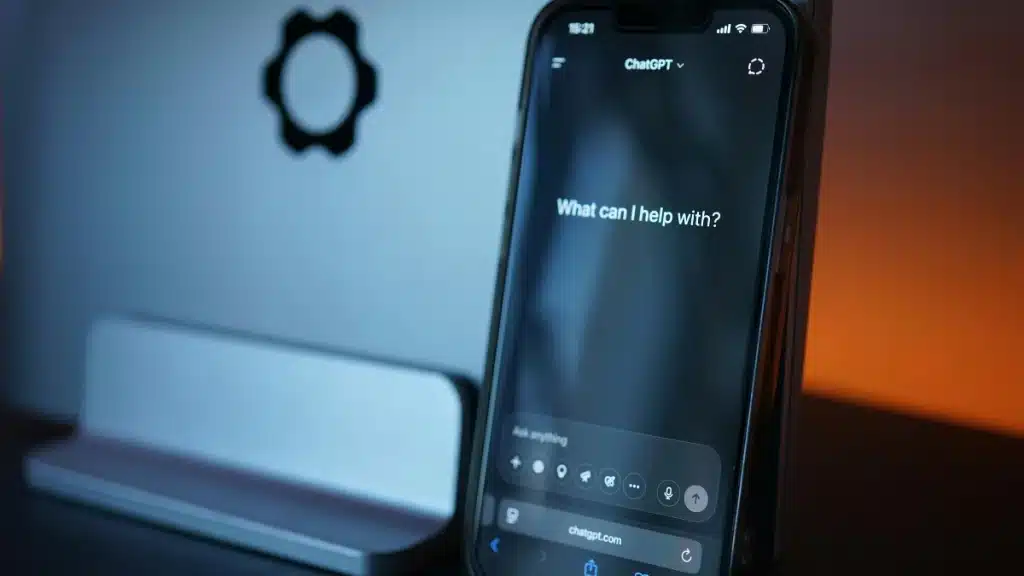
You have access to powerful tools in 2026, so do not waste your brain power on boring admin work. AI tools can handle the repetitive tasks that drain your creative energy. Automate the small stuff so you can focus on the big projects.
- Summarize emails: Ask Gemini or ChatGPT to summarize long threads for you.
- Draft responses: Let AI write the first draft of your routine emails.
- Clean notes: Use AI to organize your messy meeting notes into clear bullet points.
- Plan your day: Ask AI to prioritize your to-do list based on deadlines.
12. The “Shutdown Ritual”

If you just close your laptop and walk to the kitchen, your brain stays in “work mode” during dinner. You need a specific ritual to close the shop and tell your mind that the workday is over. This is essential for ending the workday and getting good sleep.
- Close tabs: Close every browser tab so you start fresh tomorrow.
- Review the day: Check off what you finished and celebrate small wins.
- Plan tomorrow: Write down your top three tasks for the next morning.
- Leave the space: Say “I am done” out loud and physically leave your work area.
The Work Shutdown
-
Close Tabs
Close every browser tab so you start fresh tomorrow without digital clutter.
-
Review the Day
Check off what you finished and celebrate small wins to end on a positive note.
-
Plan Tomorrow
Write down your top three tasks for the next morning to reduce cognitive load.
-
Leave the Space
Say “I am done” out loud and physically leave your work area to signal rest.
Conclusion
Remote work is a skill, not just a perk. You have to manage yourself because you are the boss of your environment and your time.
Start small. Do not try to do all 12 things at once. Pick one tip to implement today, like the Fake Commute. It is the easiest way to fix your successful work from home lifestyle.
Get up. Get dressed. Go for a walk. Your workday starts when you get back.



No Comments