Adding a third screen changes how you work. You switch between tabs less, keep reference material in view and handle several tasks at once. The challenge is arranging three displays so they feel comfortable and fit your desk.
Here are 17 three-monitor desk setup ideas for gaming, office work, creative projects and streaming. For most layouts, you want a desk about 60 inches wide, a graphics card with three outputs and matching screens of 24 or 27 inches. Place the middle screen directly ahead and angle side screens about 30 degrees.
1. Surround View Setup
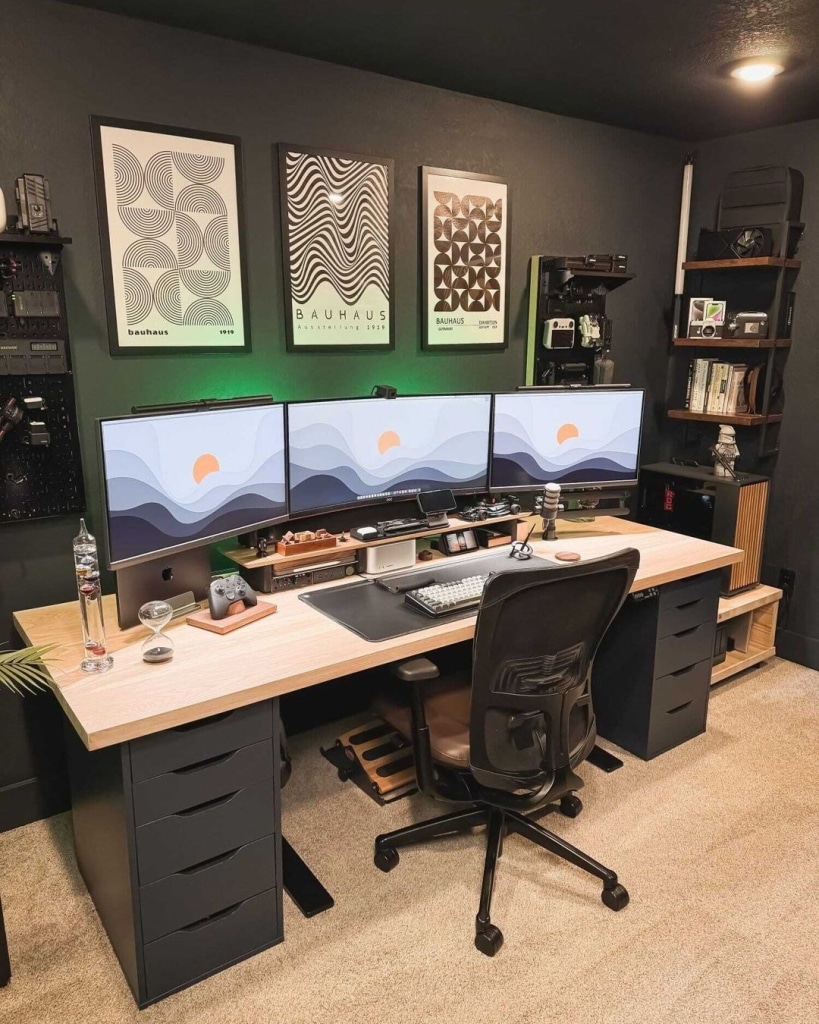
Three monitors sit in a wide curve or angled arc around you for a panoramic view. It’s great for gaming and for traders who track charts, news and data at once. Curved screens create a natural field of view and ease eye strain, and your graphics card must handle high resolutions on all three displays.
2. Productivity Powerhouse (2+1 Layout)
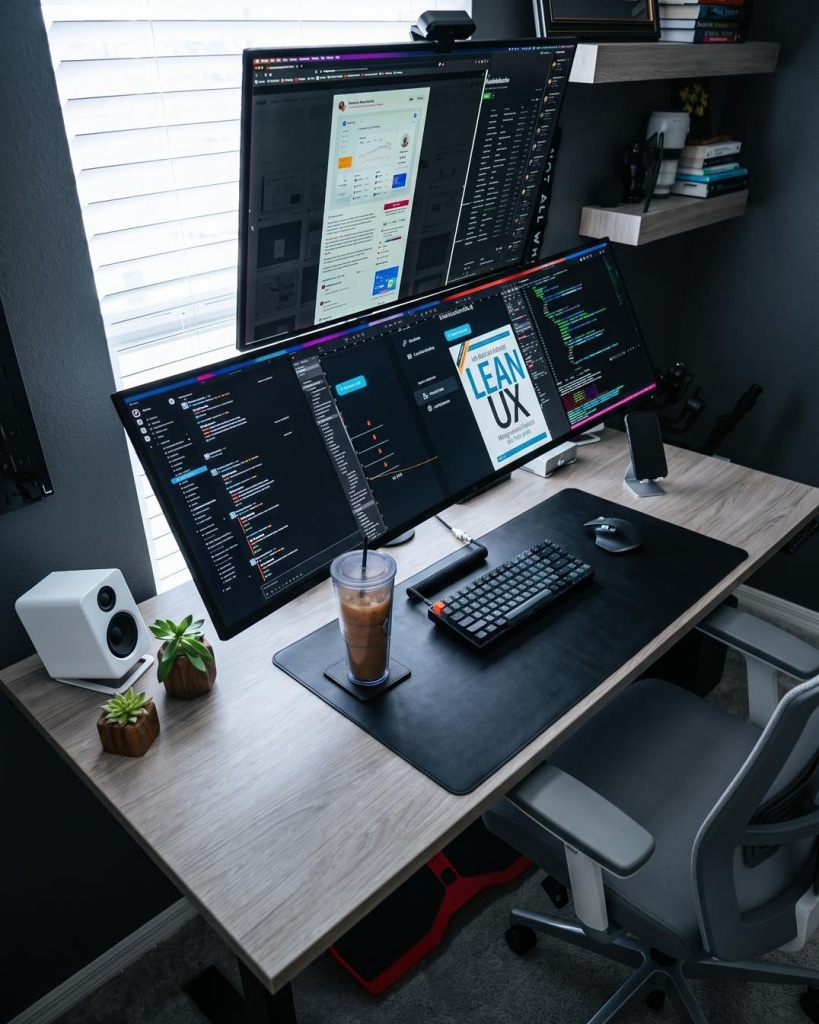
Place two monitors side by side with the third mounted above. Use the top screen for video calls or communication tools, and the lower ones for tasks and reference. Remote workers and designers like it. A monitor mount saves desk space, and tilting the upper screen slightly downward is easier on the neck.
3. Asymmetrical Setup
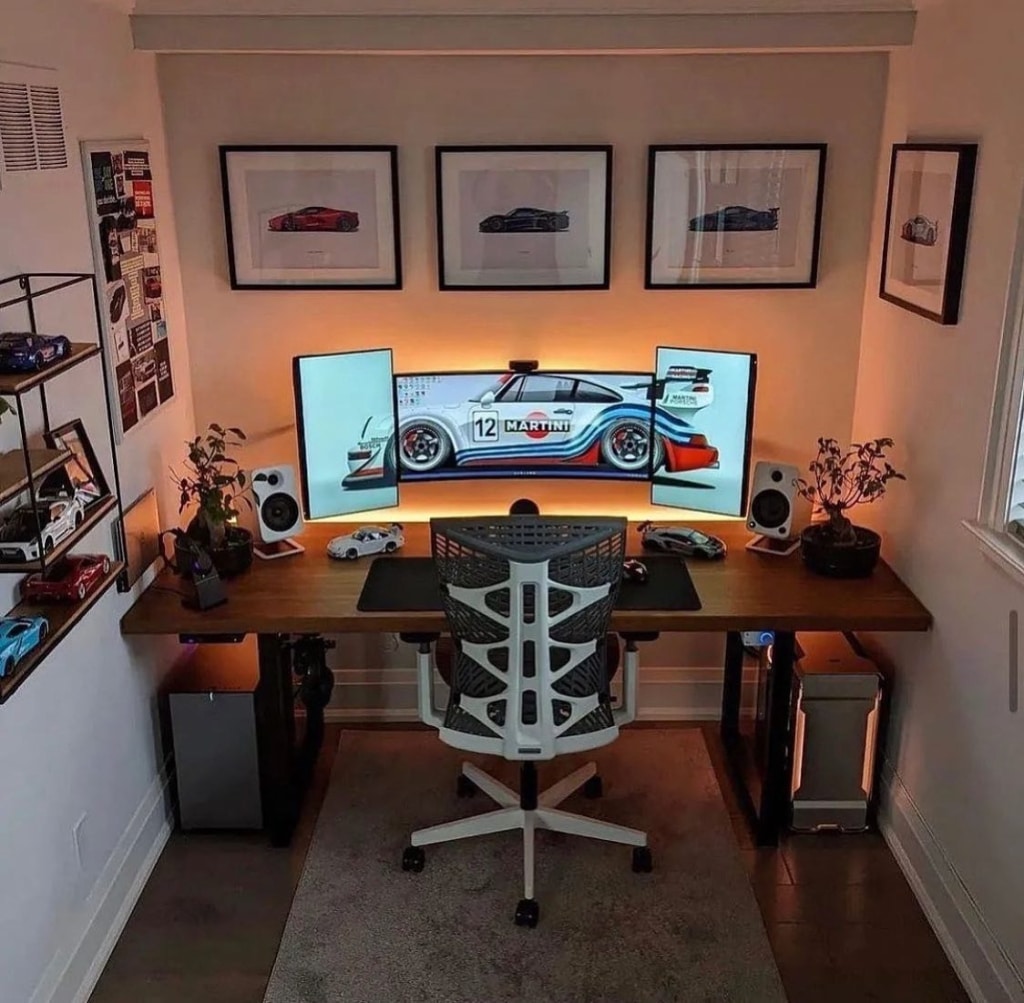
Put one landscape screen in the middle with two portrait monitors beside it, or use a large main display with smaller side screens. Coders can read long scripts vertically, and editors can use one screen for editing, one for previews and one for assets. Adjust angles to cut glare and match resolutions where you can.
4. Stacked Trio
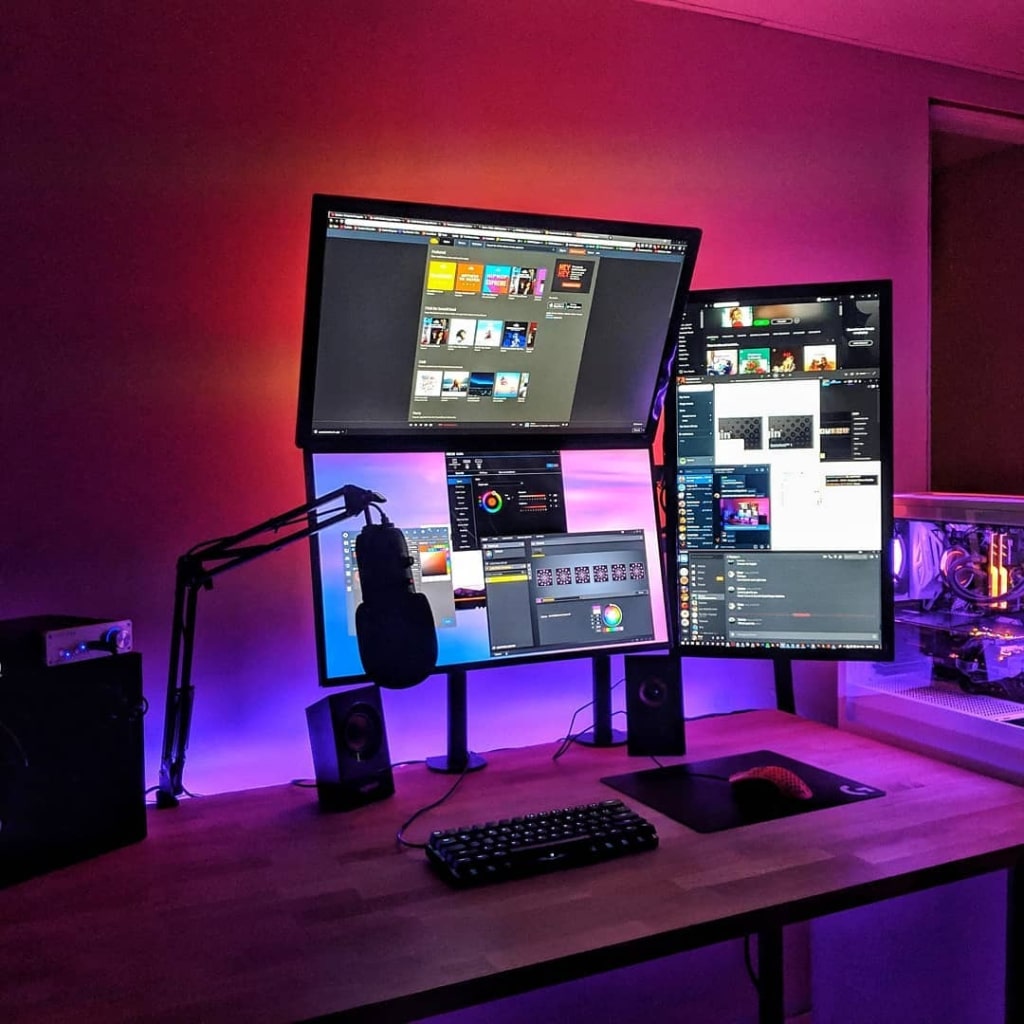
Stack the monitors vertically for a compact tower of screens, or put two on top of each other with one beside them. It suits narrow desks and tasks like long spreadsheets, dashboards and social feeds. Make sure your stand supports the weight, and increase font scaling to keep text easy to read.
5. L-Shaped Setup
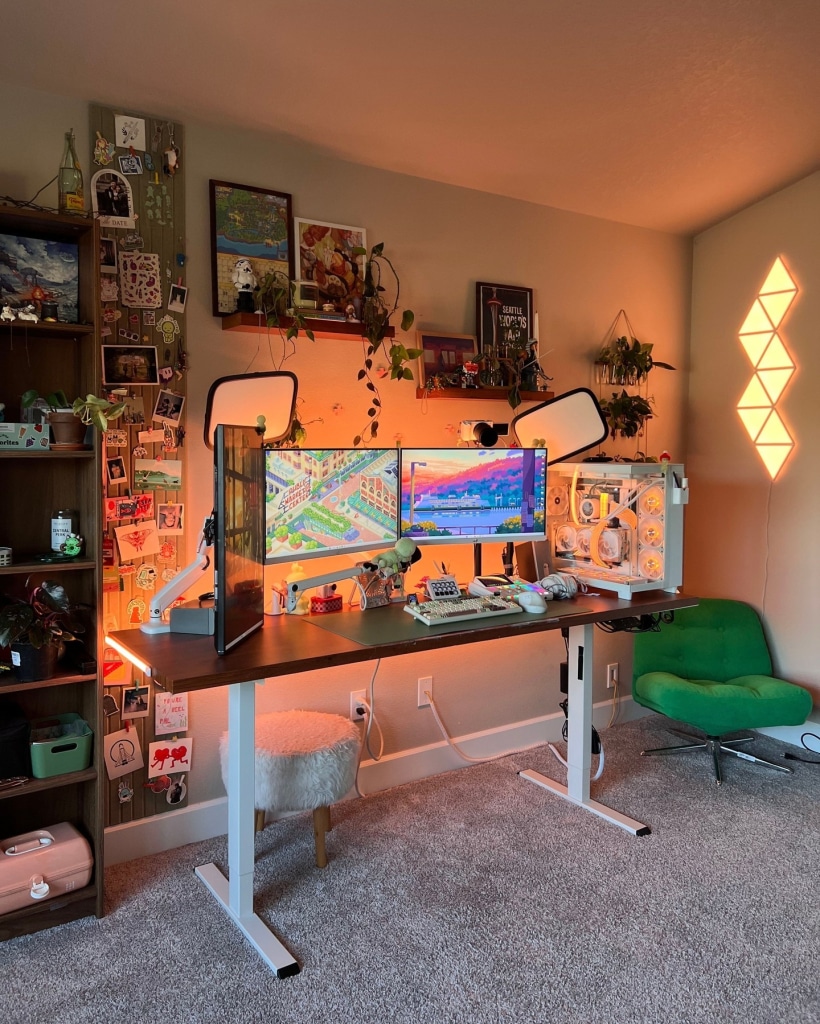
Place the screens across two adjoining sides of a corner desk, with two on the main side and one on the return. The corner naturally separates tasks, such as personal and work apps, or main projects and resources. Sync brightness and color settings across all three for a consistent look.
6. Ultra-Wide Hybrid
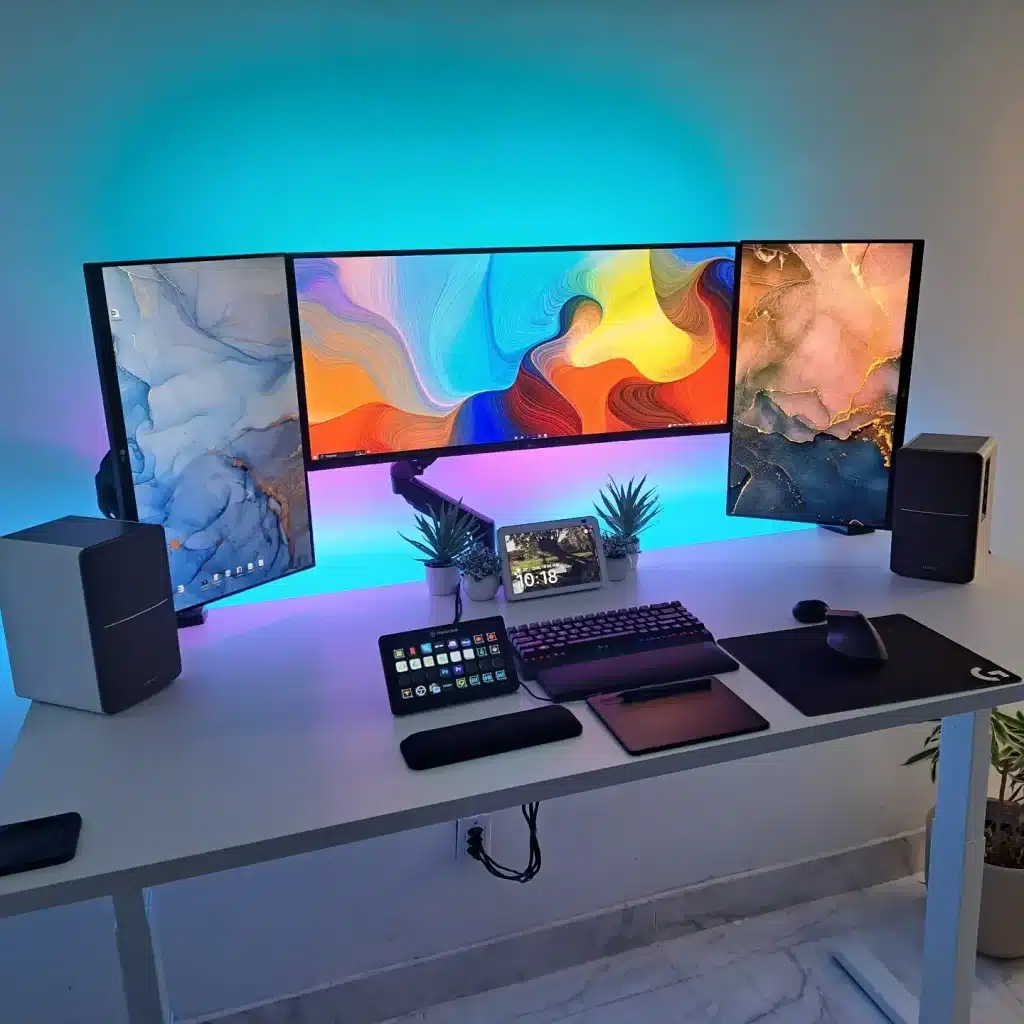
Pair an ultra-wide center screen with two standard side monitors for lots of room without buying three ultra-wides. Video editors can put the timeline in the middle and tools on the sides, while analysts can spread big data across the wide display. Calibrate all screens the same way and use arms for fine adjustments.
7. Laptop as the Third Screen
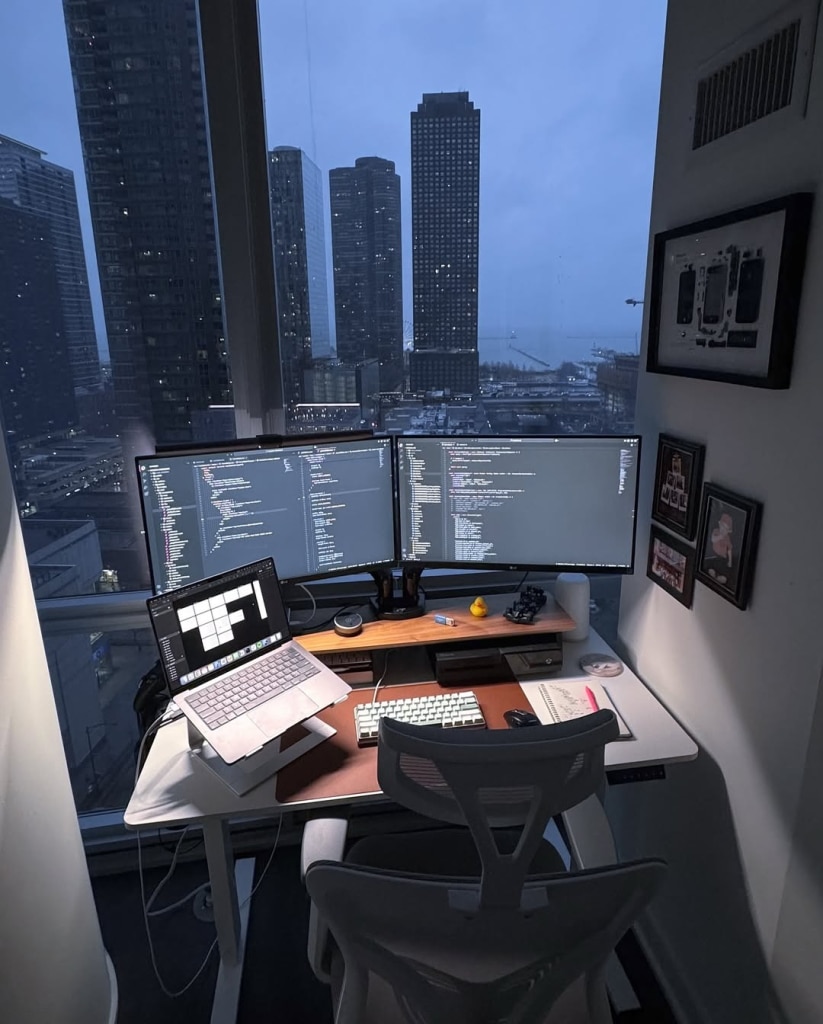
Use your laptop as one of the three displays and add two external monitors, usually through a docking station. It’s an affordable way to go triple and ideal for hybrid workers who move between office and home. A laptop stand helps with alignment, and display software makes managing windows easier.
8. Streaming Command Center
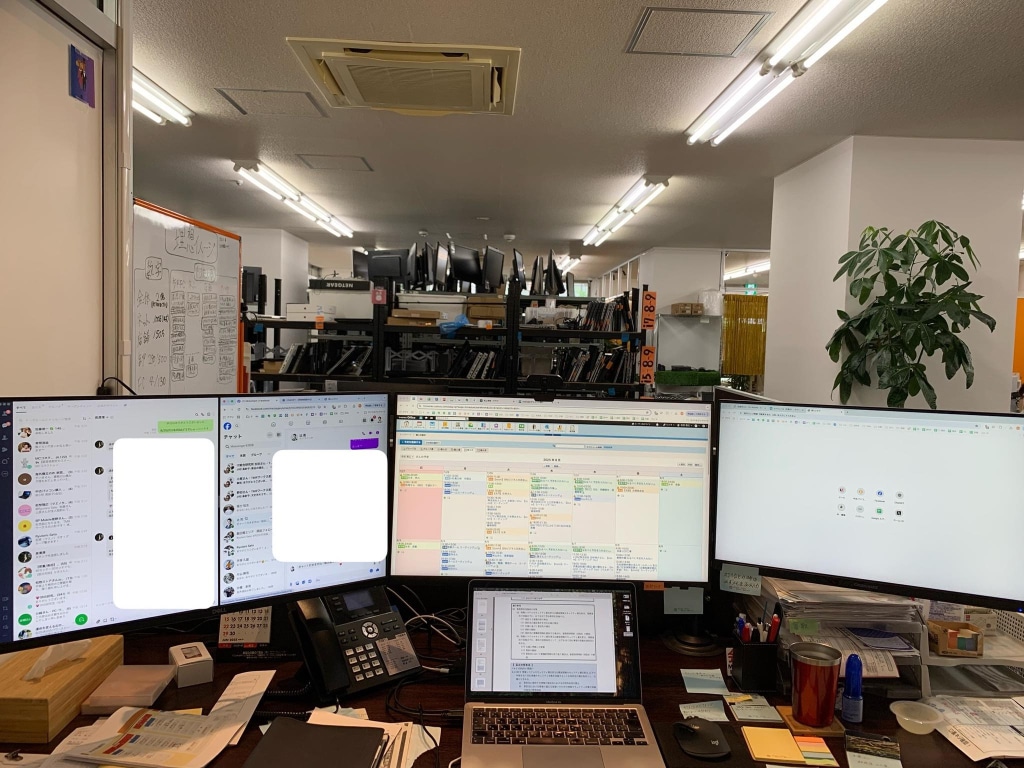
Dedicate one screen to the game, one to chat and alerts and one to broadcasting software such as OBS. Giving each task its own display keeps things smooth. Choose low-latency monitors and set hotkeys to switch content quickly.
9. Mixed Resolution Setup
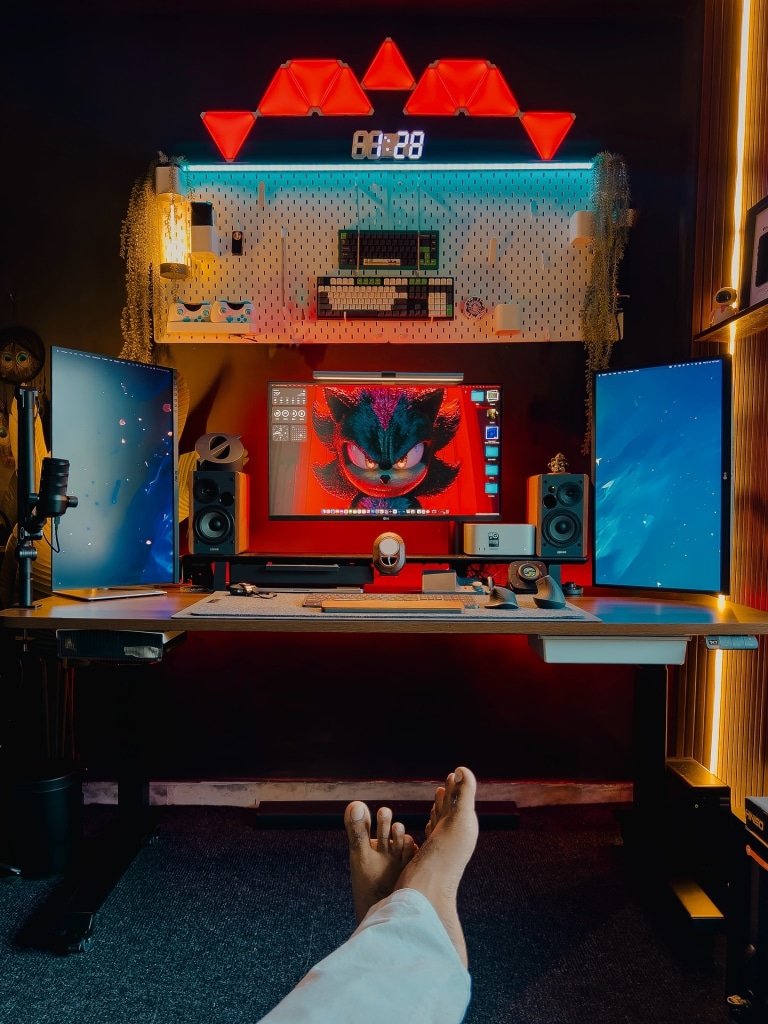
Place a high-resolution monitor in the center with cheaper, lower-resolution screens on the sides. It keeps costs down while still giving you three active displays. Designers can show projects on the main screen and references on the others. Match aspect ratios and set display scaling so windows move smoothly.
10. Dual Portrait, Single Landscape
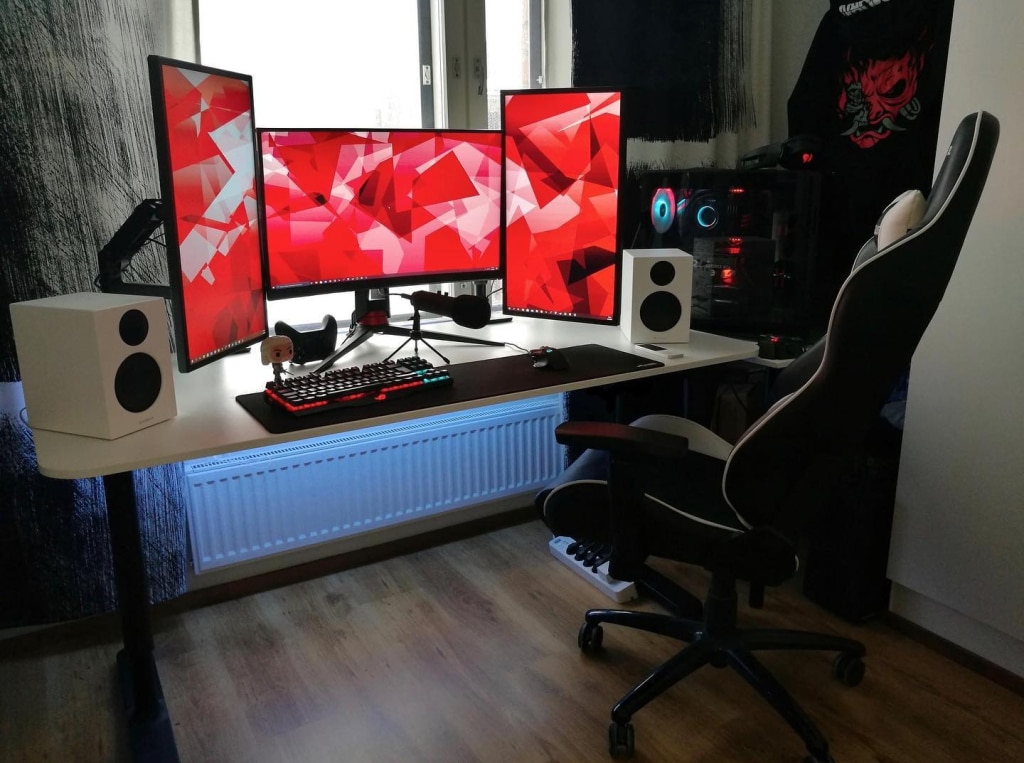
Two vertical monitors flank a central horizontal one. Writers and editors can keep research or drafts on the tall screens while working in the middle, and data managers can scan long lists. Matching resolutions and monitor arms make adjusting easier.
11. Dual Landscape, Single Portrait
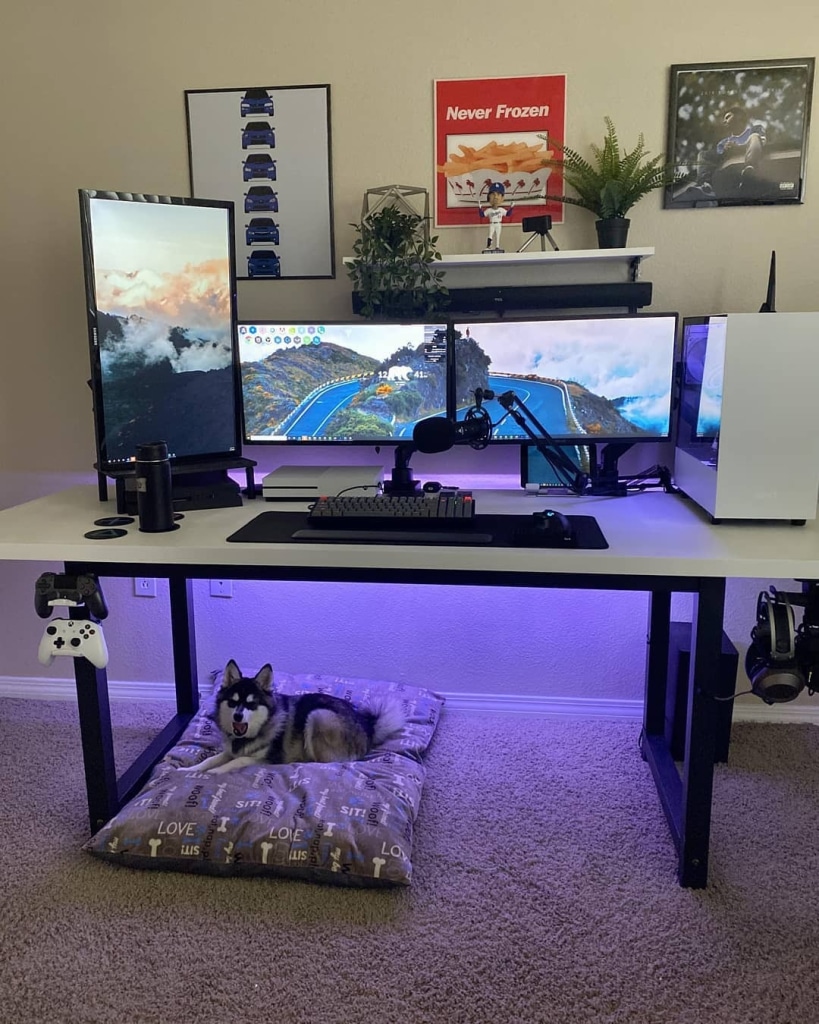
Two wide screens plus one tall screen balance wide and vertical content. It works for writing with a reference document on the tall side, or for photo editing with tools on the portrait display. Keep the vertical screen close to eye level and match resolutions.
12. Swivel Arm Setup
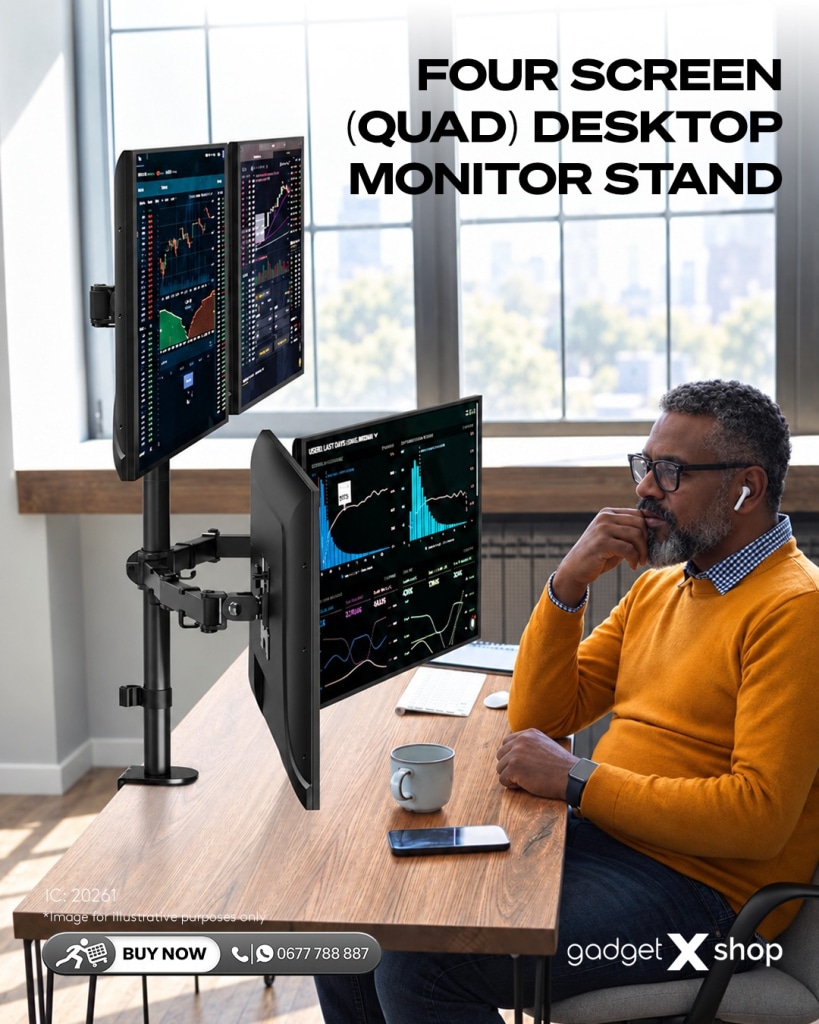
Mount all three monitors on swivel arms so you can reposition them any time. It’s perfect for collaboration, since you can rotate a display to share it, and for people who switch tasks often. Choose arms with smooth motion and enough weight support, and make sure your desk can carry the load.
13. Vertical Sandwich
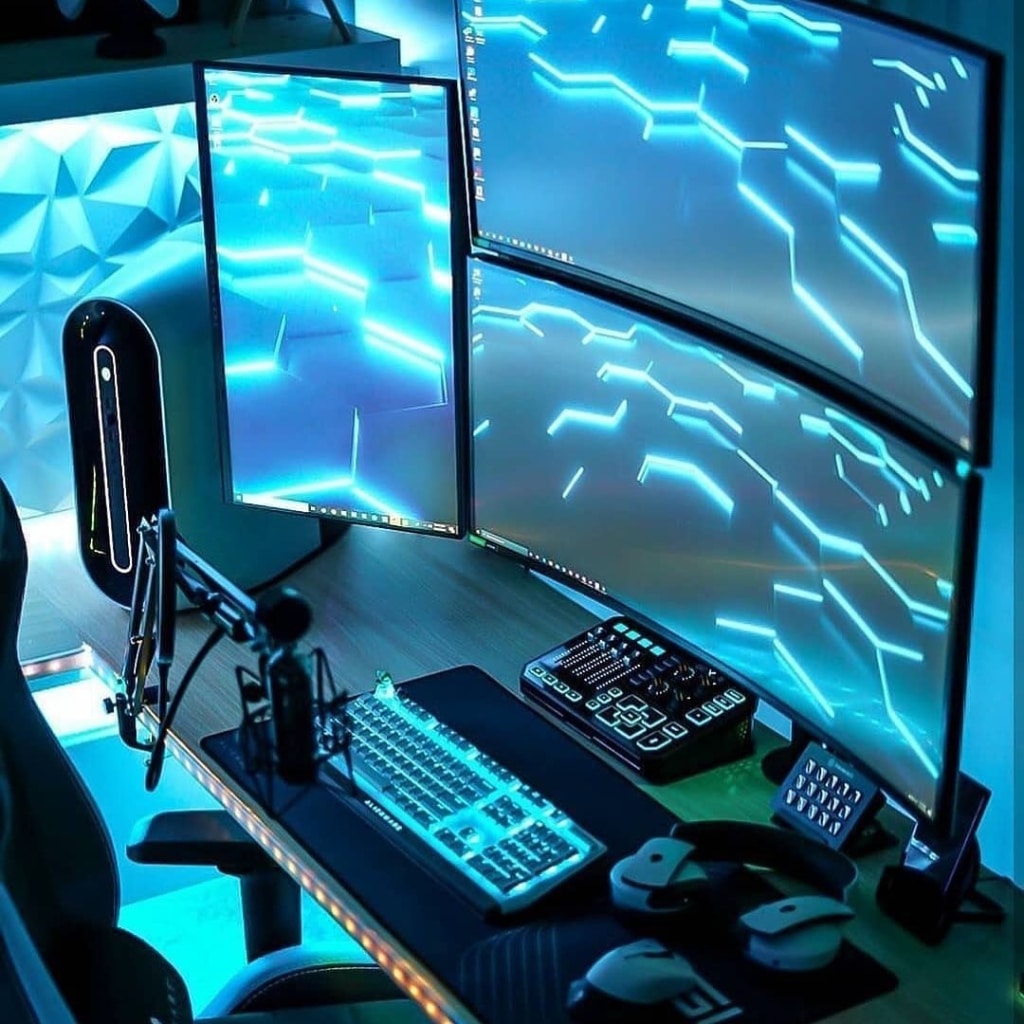
One landscape screen sits above another with a third beside them, or a main monitor sits between two vertical ones. Programmers can keep the main code editor in the center and documentation and debugging on the sides, and traders can watch live feeds on tall screens. It’s great for data-heavy work.
14. Floating Setup
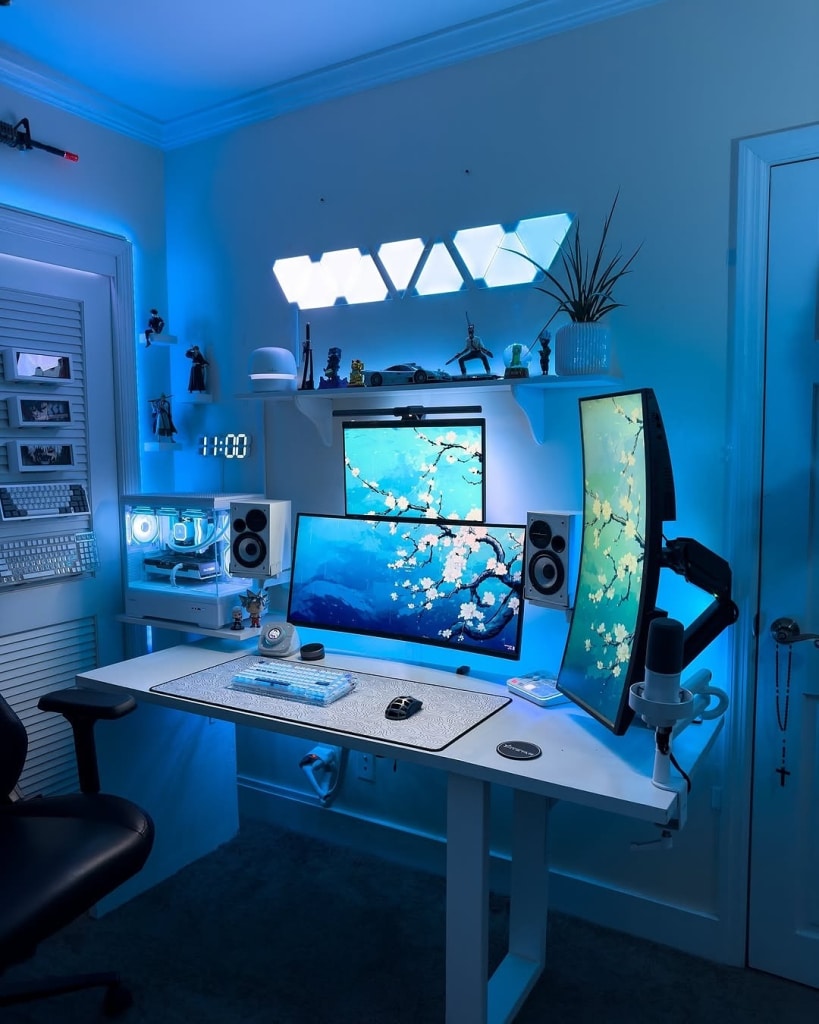
Wall-mount the screens or use arms without bulky stands, so they appear to hover. This clears the entire desk surface and creates a clean, open look that minimalists love. Gas-spring arms move smoothly, and arms with built-in cable management keep wires out of sight.
15. Triple Curved Setup
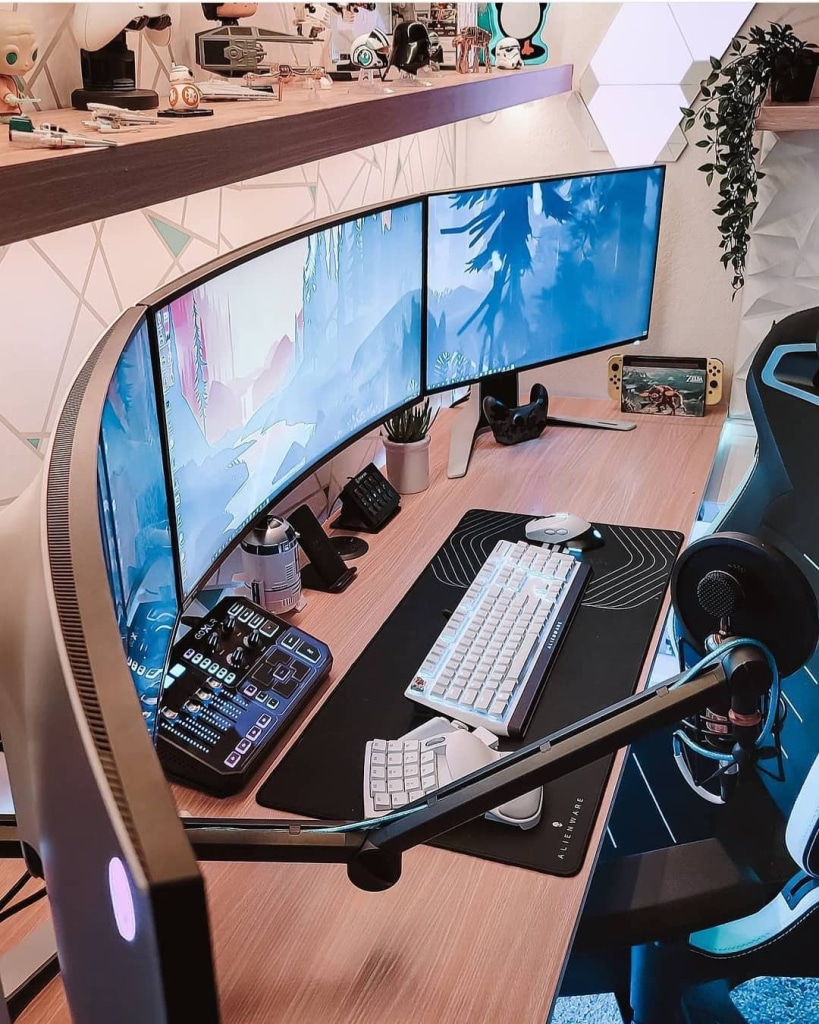
Three curved monitors side by side create a wrap-around feel that suits gaming and simulation software. They also work well for reading long documents or comparing sources. Choose high resolution for sharp text and adjust scaling for readability.
16. Focused Center Setup
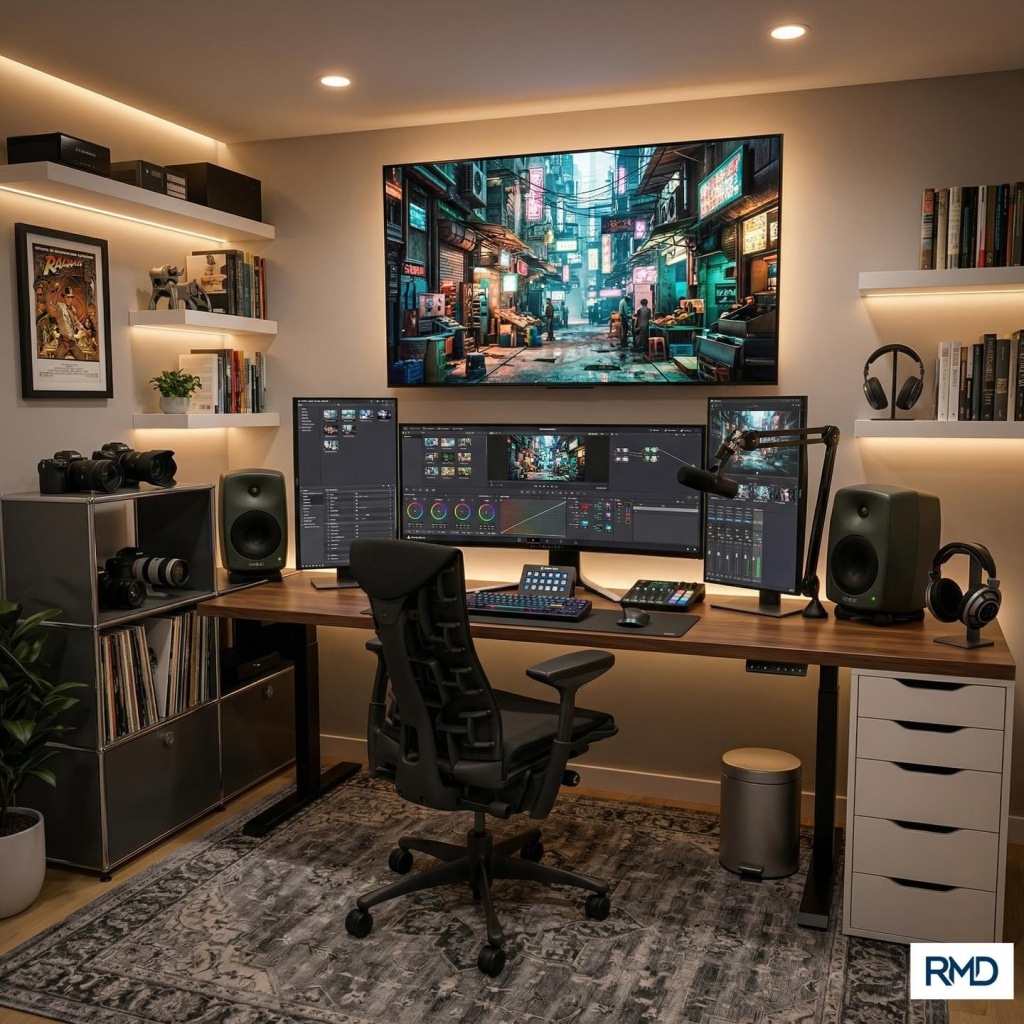
Put one large screen in the middle and angle a smaller monitor on each side. Keep your main task front and center while support tools stay within reach. Writers can leave the center clear while researching on the sides, and analysts can track secondary metrics. High refresh rates help with clarity.
17. Curved and Flat Combo
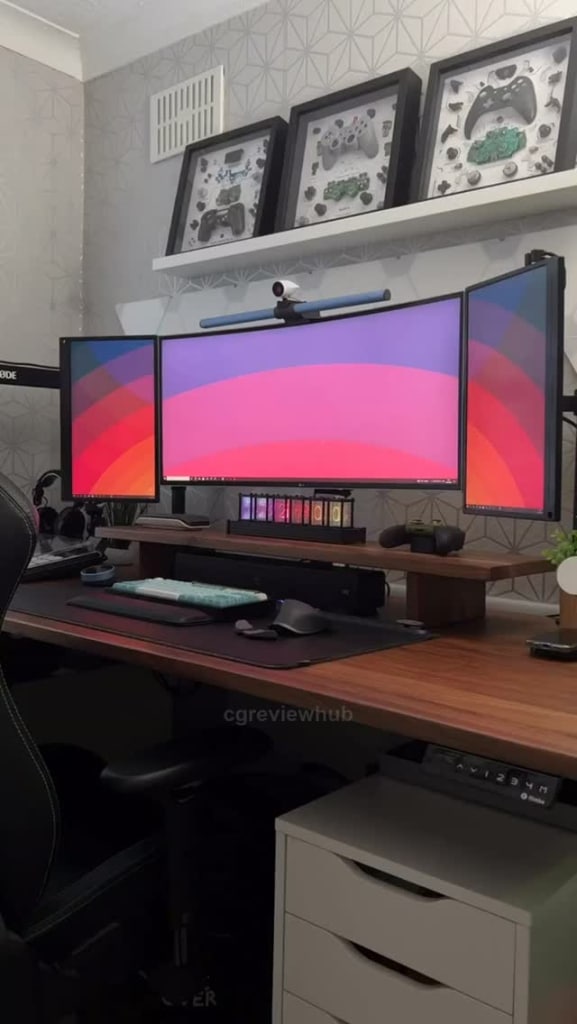
Combine a curved center monitor with two flat side screens. It’s a popular choice for people who work and game at the same desk, or for media editors who want a wide center view and detailed side views. Match color profiles and angle the screens to protect your neck.
Wrap-Up
The best three-monitor desk setup is the one that matches your work and your space. Keep screens at eye level, line up the tops, tidy the cables and check your graphics card supports three displays. Pick one layout from this list, try it for a week and adjust until it feels right.


No Comments